Sometimes, you may find that the user interface elements take up too much screen real estate leaving very little room for you to work on the drawing. To maximize the screen space, you can turn ribbon and command line off.
The default screen with ribbon interface and command line window looks as follows.
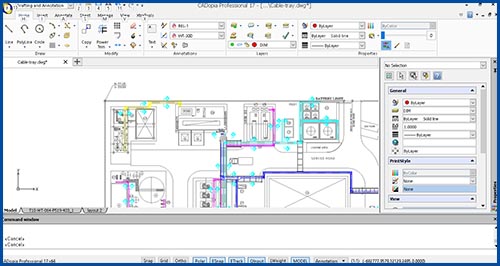
You can hide the command line by pressing CTRL+ 9.

To bring back the command window, press CTRL+ 9.
You can turn off ribbon interface from your drawing window by pressing CTRL+0 on the keyboard.
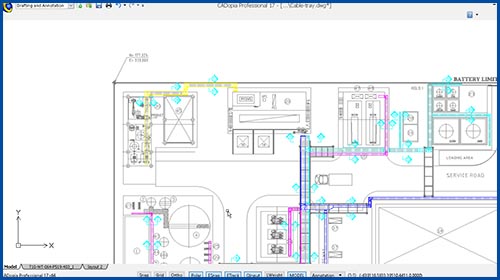
To bring back the ribbon, press CTRL+0 again.
Similarly, you can turn on/off the Properties palette using CTRL+1 and turn on/off the Design Resources dialog using CTRL+2.