There are many new options available in the latest version of CADopia to fine tune the settings. Go to Tools menu>Options in the classic interface or click on the Manage tab and then click on Options. Click on various tabs, expand the entries to explore the settings and options available to you in each new release of the software
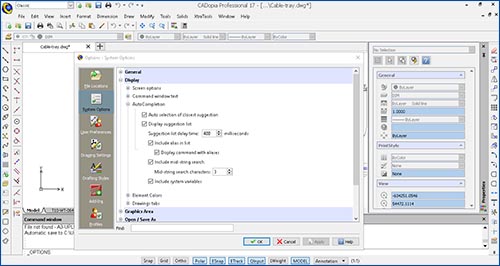
For example, the below image shows customizable settings for the recently added Auto-command completion feature..
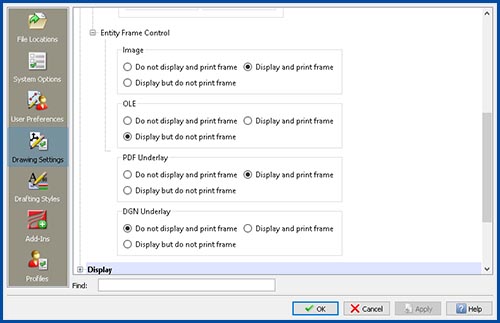
With Entity Frame Control settings, you can customize the display and printing of frames in the context of PDF overlay, DGN overlay, image or OLE data.
Go on a discovery tour and have fun!