CADopia includes Copylink feature that copies the contents of the current view to the clipboard for linking to other OLE (object linking and embedding) applications such as Microsoft Office. After copying the content, you can paste it in Excel, Word, Powerpoint or any OLE compliant software.
AUTOMATIC Update:
when you update the content of your drawing in CADopia, the pasted content inside Excel or Word (for example) gets updated automatically.
Editing the Source Content
To edit the source content from within Excel, Word or Powerpoint, double-click on the pasted content, then it opens the source drawing in CADopia and you can make edits here too.
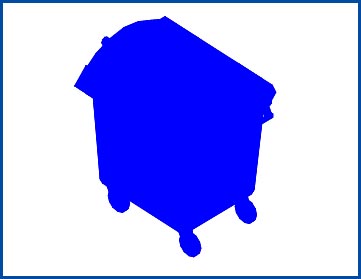
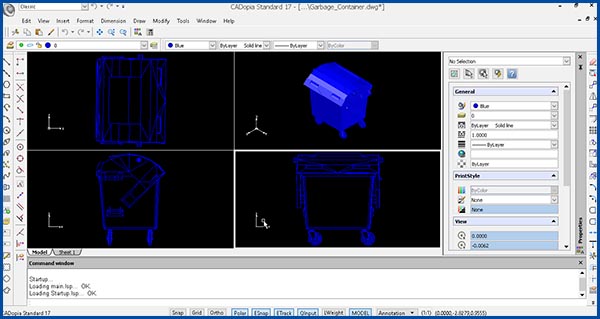
Double-clicking the above rendered image, inserted with a Paste Special option in MS Word opens the CADopia application as shown below. Note that CADopia must be installed in the same computer system for this to work.